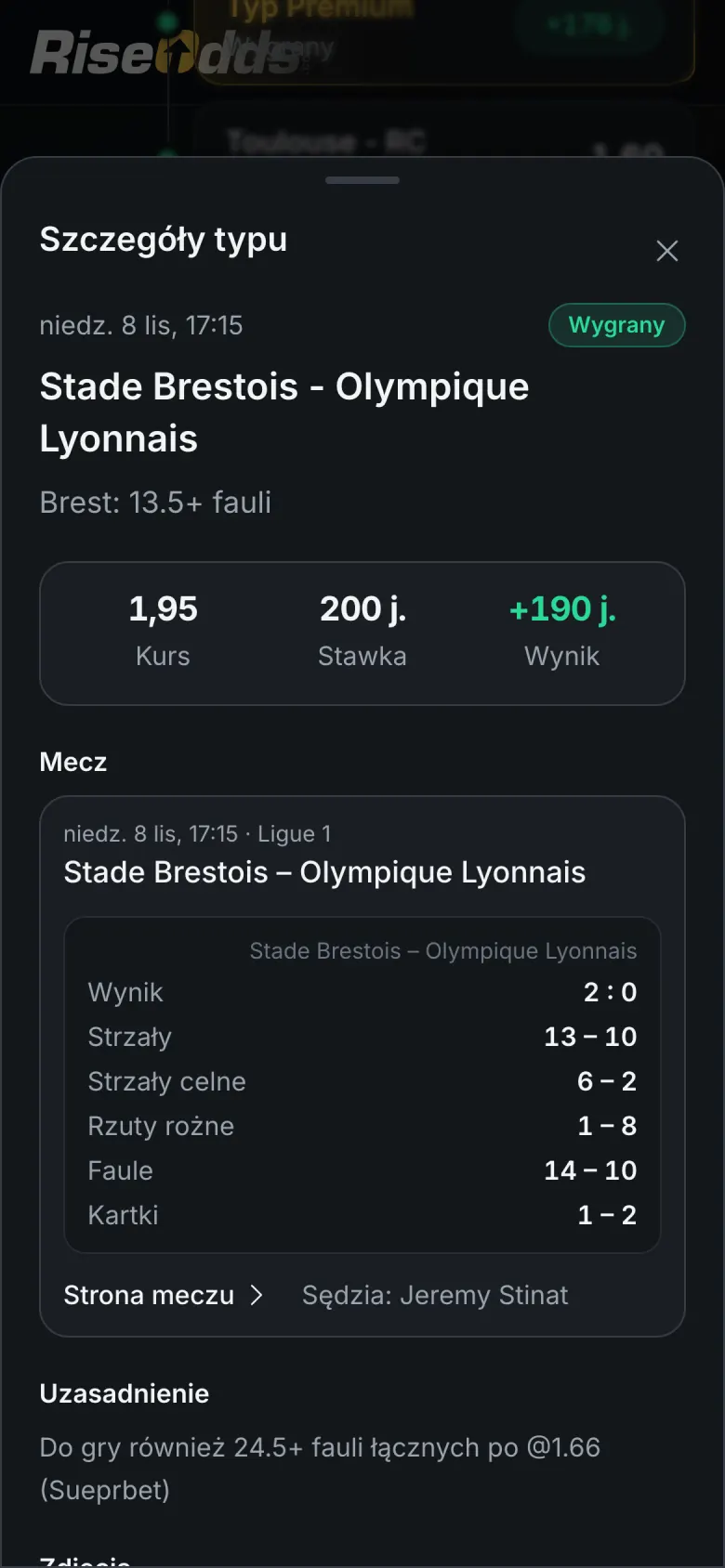
RiseOdds on your phone
Works like an app on iPhone and Android. You add it from the browser in a few seconds, without the App Store or Google Play.
On your iPhone, in Safari:
- Tap Share in Safari's toolbar.
- Choose “Add to Home Screen”.
- Tap “Add”. RiseOdds opens like an app, full screen.
On your phone, in Chrome:
- Open the browser menu (⋮).
- Choose “Install app” or “Add to Home screen”.
Samsung Internet installs an outdated version of the app. Open RiseOdds in Chrome instead:
Open in Chrome
Scan the code with your phone's camera or open riseodds.com/aplikacja on your phone.
RiseOdds is already installed on this device.
- Opens full screen, with an icon on your home screen
- Push notifications about new tips, on iPhone too
- Always up to date: nothing to download
- Takes almost no space on your phone